Blogs
Microsoft Fabric: Expert Guidance for a Successful Evaluation
Modernizing and migrating SQL Server is just one of the many reasons why a company might want to migrate its data. Other common reasons may include mergers, hardware upgrades or moving to the cloud. In most cases, however, data migrations are associated with downtime, data loss, operational disruptions, and compatibility problems.
With SNP Technologies Inc., these concerns are alleviated, and the migration process is simplified. We help businesses migrate complete workloads seamlessly through real-time, byte-level replication and orchestration. For enhanced agility with little to no downtime, we can migrate data and systems between physical, virtual and cloud-based platforms.
When it comes to the modernization of SQL Server, we can migrate and upgrade your workload simultaneously. Production sources can be lower versions of SQL Server that are then upgraded to newer versions, for example, SQL 2008, 2008R2, and 2012 can be moved to a newer version of Windows and SQL or to Azure.
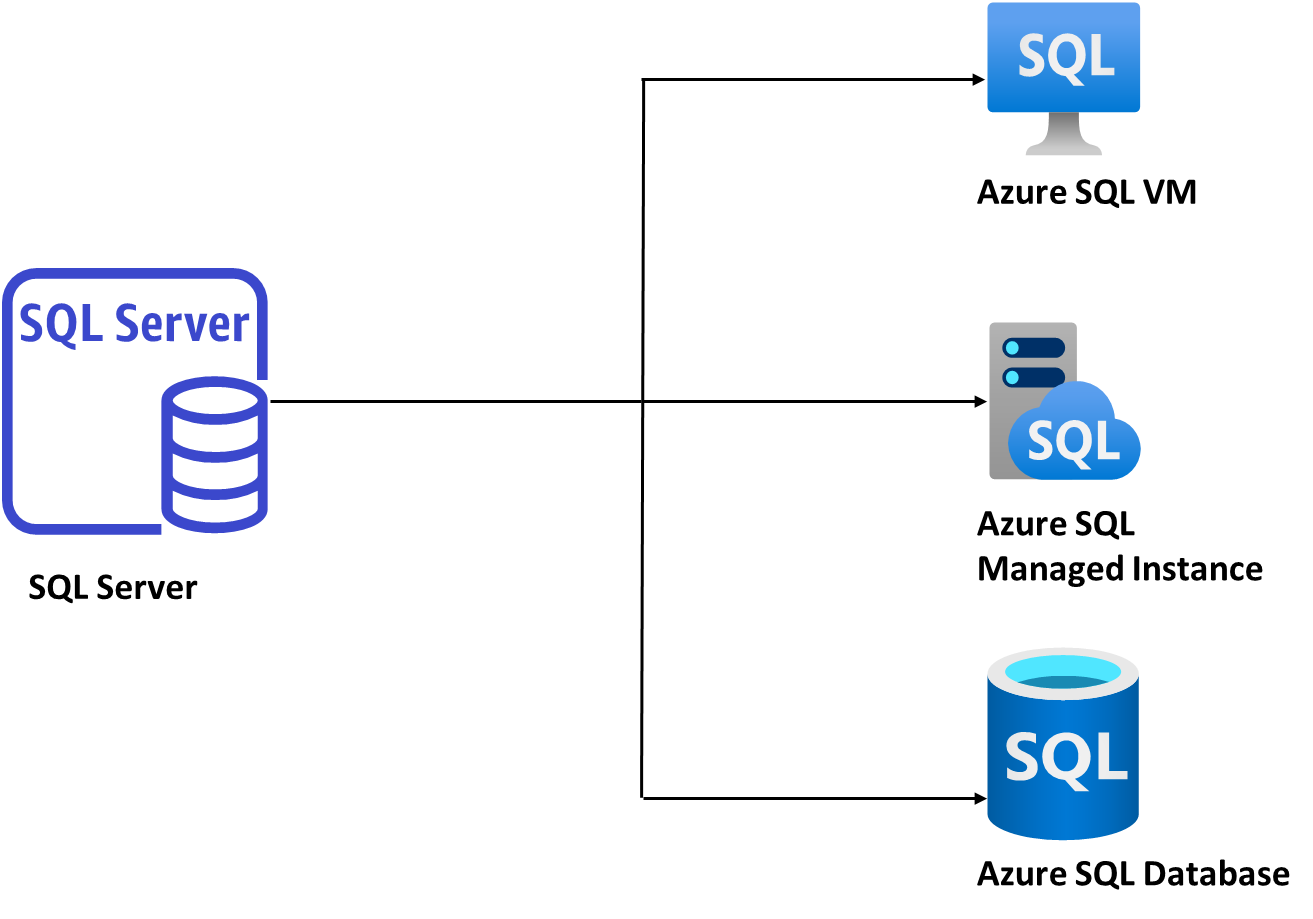
As part of our modernization process, we utilize a variety of tools that Microsoft provides. The following are various tools or services we leverage during the modernization process.

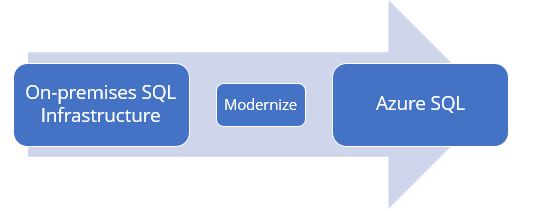
Once we have an Azure target along with the Azure size and a list of affected objects, we can move on to modernization, where we migrate our SQL infrastructure to the Azure target. In this phase, the SQL infrastructure is modernized using a tool called Azure Data Studio, which uses an extension called Azure SQL Migration, leveraging Azure Data Migration Service (Azure DMS).
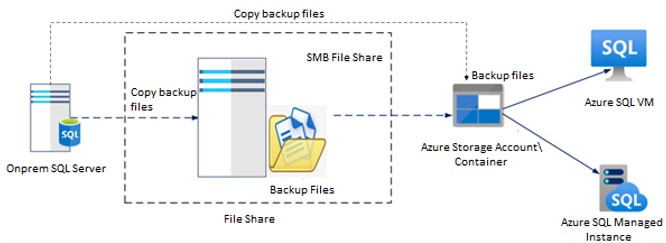
In Azure Data Studio, you will be able to perform a modernization of the SQL server infrastructure by using the Native SQL backups (the latest full back up as well as the transactional log backups from the previous backup). In this method, backup files of SQL server databases are copied and restored on the target. Using Azure Data Studio, we can automate the backup and restore process. All we must do is manually place the backup files into a shared network folder or Azure storage container so that the tool recognizes the backups and restores them automatically.
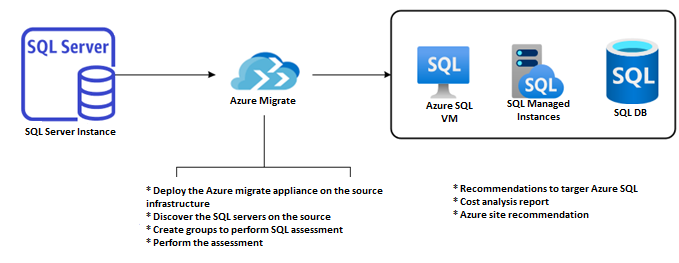
Azure migrate is a service in Azure that uses Azure SQL Assessment to assess the customer’s on-premises SQL infrastructure. In Azure Migrate, all objects on the SQL server are analyzed against the target (whether it’s Azure SQL Database, Azure SQL Managed Instance or SQL Server on Azure VM) and the target is calculated by considering all performance parameters such as IOPS, CPU, Memory, Costing etc., along with the appropriate Azure size. Following the assessment, SNP gets a better idea of what needs to be migrated, while the assessment report recommends the most appropriate migration solution.
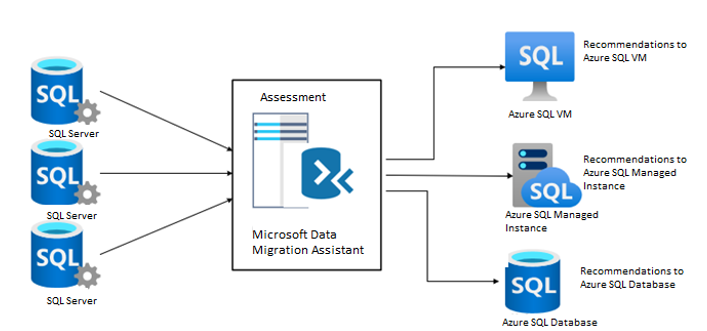
To prepare for modernizing our SQL infrastructure to Azure, we need to know what objects will be impacted post-migration, so we can plan what steps to take post-migration. A second assessment is performed using a Microsoft Data Migration Assistant (DMA) tool to identify all the objects that will be impacted after migration. This tool can be used to determine which objects are going to be impacted post-migration during this phase. The DMA categorizes the objects into five/ four categories for modernizing to SQL Server on Azure VM.
Some key factors considered at this stage include:
Note: Migration blockers are specific to the Modernization of SQL Server to Azure SQL PaaS